Smart TV Activation Guide
Complete guide to TV code entry, activation process, and troubleshooting.
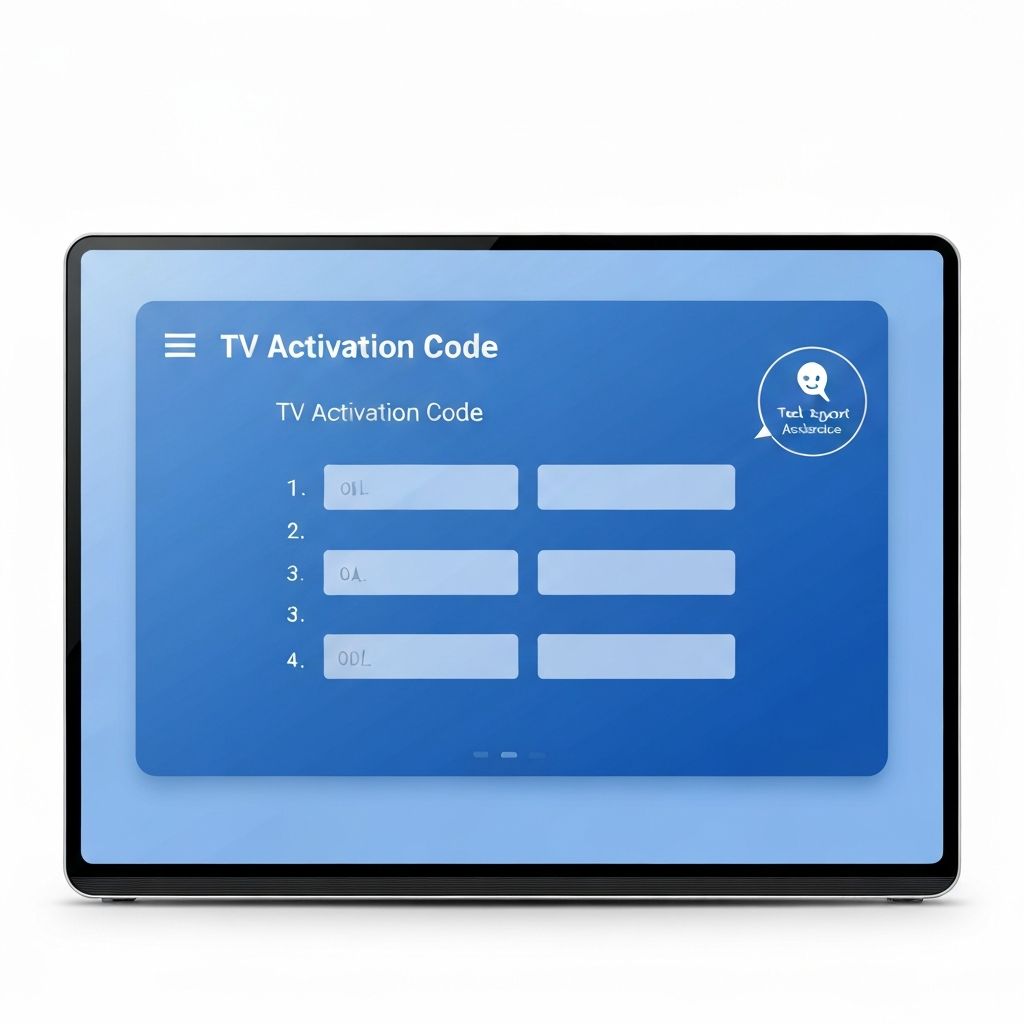
What is an Activation Code?
An activation code is a temporary code displayed on your TV screen when you're setting up certain apps or services. This code serves as a security verification to confirm that you're the authorized user attempting to access the service.
These codes are completely normal and are part of the standard setup process for many streaming and app services.
When Do Activation Codes Appear?
During initial app installation and setup
When signing into a streaming service account
During system updates or reconfiguration
When syncing account information
During setup of smart home features
Understanding Your Activation Code
When your TV displays an activation code:
- The code is typically 5-8 characters long
- It includes a mix of numbers and sometimes letters
- The code is unique and tied to your specific device
- Codes expire after a set time period (usually 10-30 minutes)
- You may need to use the code on another device to complete setup
Common Code Formats:
Examples of typical activation codes:
What to Do When You See a Code
Step-by-Step Process:
Note the Code
Write down or photograph the code displayed on your TV screen.
Go to the Activation URL
The TV screen usually shows a website URL (appears with .com/.tv etc.). Open this URL on a computer, tablet, or smartphone.
Sign In
On the website, you may need to sign in with your account credentials or create a new account.
Enter Your Code
Enter the code from your TV screen into the field on the website.
Complete Setup
Follow the remaining prompts to complete the activation process.
Return to TV
Go back to your TV. The activation should complete automatically, and you'll have access to the service.
Common Activation Issues & Solutions
Code Has Expired
- Go back to your TV and start the process again
- A new code will be generated for you
- Try to complete activation within the time limit (usually 10-30 minutes)
Code Not Being Accepted
- Check that you've entered the code exactly as shown (case-sensitive)
- Ensure there are no extra spaces before or after the code
- Verify you're on the correct activation website
- Try generating a new code on your TV
Website URL Not Clear
- Check the TV screen carefully for small text
- Try common activation URLs based on the service
- Check your TV documentation or settings
- Contact support if you can't locate the website
Activation Not Completing
- Ensure your TV has a stable internet connection
- Try disconnecting from WiFi and reconnecting
- Restart both your TV and the browser on your other device
- Clear your browser cache and cookies
- Try using a different browser or device
Important Security Notes
What You Should Know:
- Activation codes are temporary and designed to expire
- Never share your code with others or over email
- Always type the activation URL carefully - watch for typos
- Only use the official website shown on your TV screen
- Be cautious of phishing attempts - verify URLs match official services
- Your password and personal information should never be requested via TV code
Having Issues? Get Support
If you're having trouble with your TV code or activation process, enter your code below and our support team will assist you:
Have a TV Code?
Enter your code below and our support team will assist you.
Quick Steps:
- Enter your TV activation code
- Click on Activate Device
- We'll help you with it